
How to Search for a Dillon County Warrant
No public Dillon County Sheriff warrant search was located in the official source review. The South Carolina Judicial Branch Public Index is the closest online case-finding tool for Dillon, but it is not a live wanted-person list. The sheriff, Clerk of Court, Magistrate Court, and each municipal court keep different parts of the process. Begin with the court or paper that names the case, then use the relevant official channel.
Have the case number, ticket number, or court name ready when possible. A name search may return more than one case, so use the court agency, filing date, case type, and other details to identify the right file. The Clerk or issuing court must verify current status. A result from a separate payment or criminal-history tool cannot replace that confirmation.
- Identify whether the matter names General Sessions, Dillon Magistrate Court, or a municipal court.
- Search the Dillon Public Index by case number or party fields to locate a possible case.
- For a traffic citation, use the separate South Carolina Judicial traffic search.
- Call the issuing court or Clerk to ask whether it can confirm the warrant process and what it may disclose.
- If directed to law enforcement, call the Sheriff at (843) 774-1432 or the city contact named by the court.
Dillon County Public Index Is a Case Search
The official Public Index guide describes a case search with court type and agency filters, case and party fields, charge codes, indictment number, and date ranges. Dillon’s endpoint can help a reader locate the underlying court file. It does not show every warrant paper or certify whether a warrant remains active.
The search form is a useful starting point when a case number is known. If a person searches by name, the result still needs to be matched to the correct court and case. The Clerk should confirm an official record, especially when a recent update, sealed document, or municipal case may be missing from the public view.
The Dillon Public Index form shows the fields available for a case lookup.
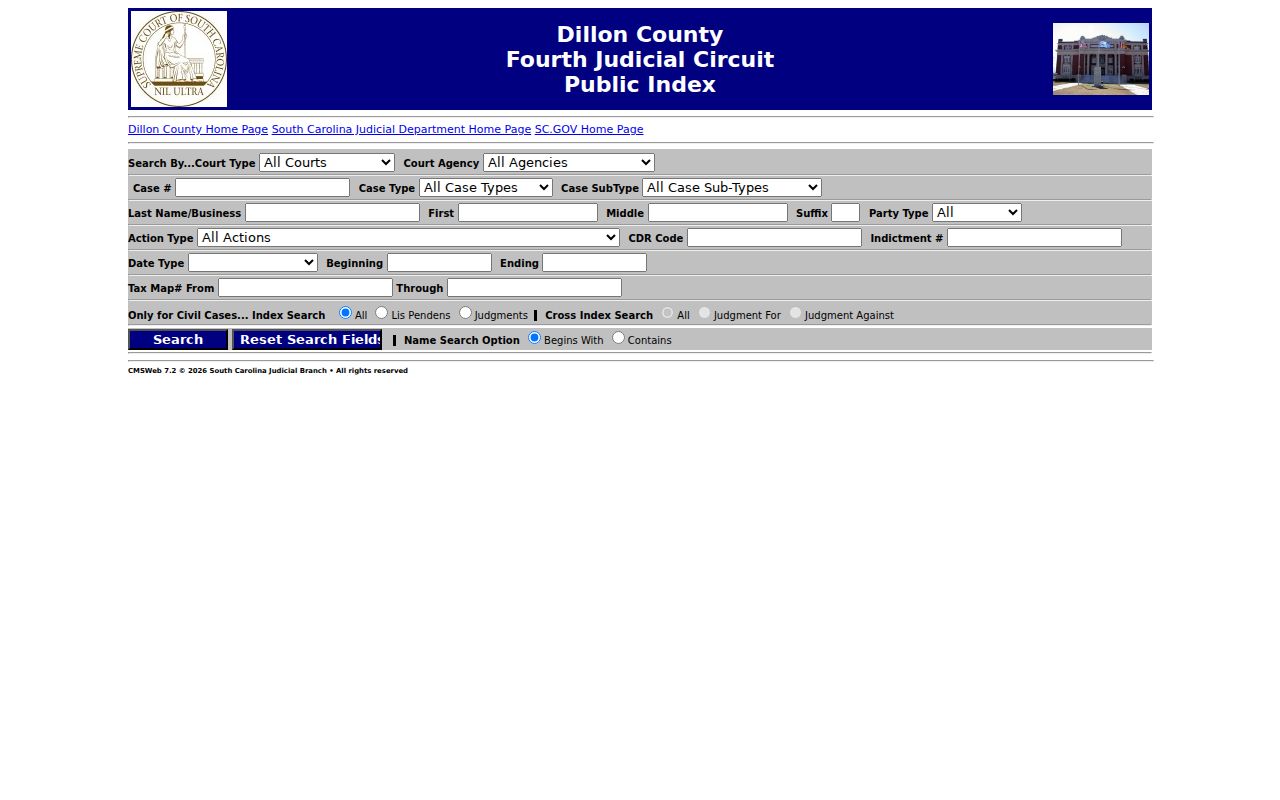
The empty form illustrates search controls only; it contains no person-specific result.
Dillon County Warrant Search Fields
The Public Index asks about a court case, not an active warrant. Search fields include court and agency, case number, party name and type, action type, CDR code, indictment number, and filing or disposition date ranges. Use the exact case number when available. “Contains” may return broad matches, while “Begins With” narrows the name search but can miss a spelling or name variation.
| Field Label | Type | Required | Notes |
|---|---|---|---|
| Court Type | Selection | No | Filters case records by court category. |
| Court Agency | Selection | No | Can separate a court agency; it is not a warrant-status switch. |
| Case Number | Text | No | Use the number printed on a notice when known. |
| Party Name and Type | Text / selection | No | Name searches can return multiple people or cases. |
| Action Type / CDR Code | Selection or code | No | Filters case activity or South Carolina charge coding. |
| Indictment Number | Text | No | May orient a General Sessions search; not a warrant number. |
| Date Type and Range | Date / selection | No | Results depend on whether filing, disposition, or another date is selected. |
Dillon County Search Fields Need Context
A case row can help connect a notice to a court, but its labels have limits. “Case status” is not the same as warrant status. A filed date is not necessarily the warrant issue date. A judgment number is not a warrant number. Even a matching name should be checked against the case number, court agency, and other non-sensitive details already on the reader’s own paperwork.
The official guide also says recent updates may lag and sealed or confidential records do not display. If a field is unclear, ask the Clerk what it means in that case. Do not publish or share a person’s birth date, driver-license number, address, or result screenshot as a way to resolve a match.
What a Warrant Search Returns
The Judicial Branch guide lists result columns such as name, party type, case number, filed date, case status, disposition date, case type and subtype, judgment number, and court agency. Those fields describe a court case. The Public Index does not provide a standard Dillon warrant number format or promise a current service status for every case.
| Name and party type | Identifies a party role; a name alone is not a unique match. |
|---|---|
| Case number | Helps the Clerk locate the file; it may differ from any warrant identifier. |
| Filed and disposition dates | Record case events, not necessarily warrant issue or service dates. |
| Case status | Index field that should not be read as “active warrant.” |
| Type and subtype | Classify the case; they do not show every process issued. |
| Court agency | Shows the court record source to contact for confirmation. |
Dillon County Courts Hold Different Records
General Sessions matters go through the Clerk of Court at 301 W Main Street, (843) 774-1425. Dillon Magistrate Court handles summary criminal, traffic, bail, and preliminary-hearing work at its county-listed address on Old Latta Highway, (843) 774-1406. The South Carolina directory lists Dillon Bond Court and Magistrate Court separately, so verify the right office and destination before going.
The state Magistrate Court directory gives an official routing reference.
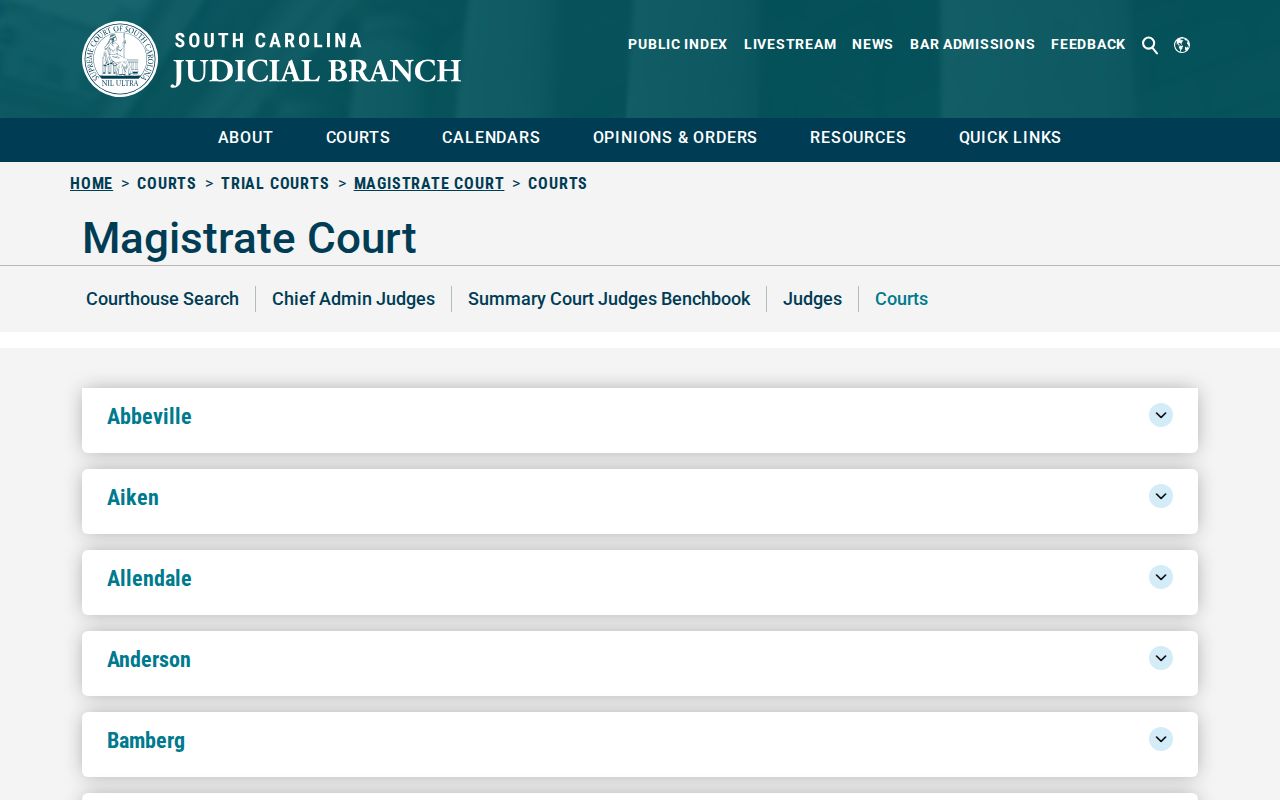
A directory entry points to the court office; it does not function as a warrant search.
Where Dillon County Warrants Are Checked
The South Carolina Judicial Branch FAQ directs people to local law enforcement or the Clerk for bench- or arrest-warrant status. For a Dillon General Sessions case, start with the Clerk. For a Magistrate case, call that court. A Dillon city citation goes first to Dillon Municipal Court; Latta or Lake View questions go to the town court contact. No comprehensive public statewide warrant portal was located.
The Clerk’s office receives criminal warrants and transmits them to the solicitor. The Sheriff is the county law-enforcement fallback at (843) 774-1432. Neither page promises that every court record can be confirmed through one phone call, so name the issuing court and ask what it can disclose.
Federal Dillon County Warrants Use PACER
A federal notice belongs to a different court system. Dillon County cases appear in the South Carolina state court tools, while federal docket material is handled by the U.S. District Court for the District of South Carolina. The Florence federal courthouse serves this region. A sealed federal warrant may not appear in a public docket, so a missing PACER result is not a status decision.
PACER requires registration for public federal case access and applies its posted fees and sealed-record limits. The federal Clerk or counsel can explain the proper route for a specific notice. Do not send a federal matter to the Dillon County Clerk or use a county traffic search for it.
The PACER access page explains registration and federal docket access.
The image documents the federal case-record channel, not a warrant roster.
Dillon County Warrants Are Not in SLED CATCH
SLED CATCH is a South Carolina criminal-history search, and its official notice says wanted persons are not included. A result from CATCH cannot answer whether a Dillon judge issued a bench or arrest warrant. The same distinction applies to an ordinary case row: it can help identify the file, but the issuing court or authorized law-enforcement office confirms warrant status.
For a personal status question, use a published court or sheriff contact. A relative should ask whether authorization is needed before requesting details. Do not use an anonymous tip channel to ask about a personal record, and do not call 911 for routine court research.
Access and Restricted Warrants
South Carolina FOIA covers public records subject to exemptions. The statute includes privacy and law-enforcement limits in specified circumstances; juvenile records are confidential under Title 63, Chapter 19. A public case index can omit sealed or confidential papers, and investigative material may not be available. Ask for the official reason and the non-exempt part if a request is limited.
Key Rules:
Public Index guide: recent updates can lag, and sealed or confidential documents do not display.
S.C. Code Title 63, Chapter 19 protects juvenile records.
S.C. Code § 30-4-40 lists exemptions; ask the issuing court about status rather than infer it from a blank search.